
Add a franchise
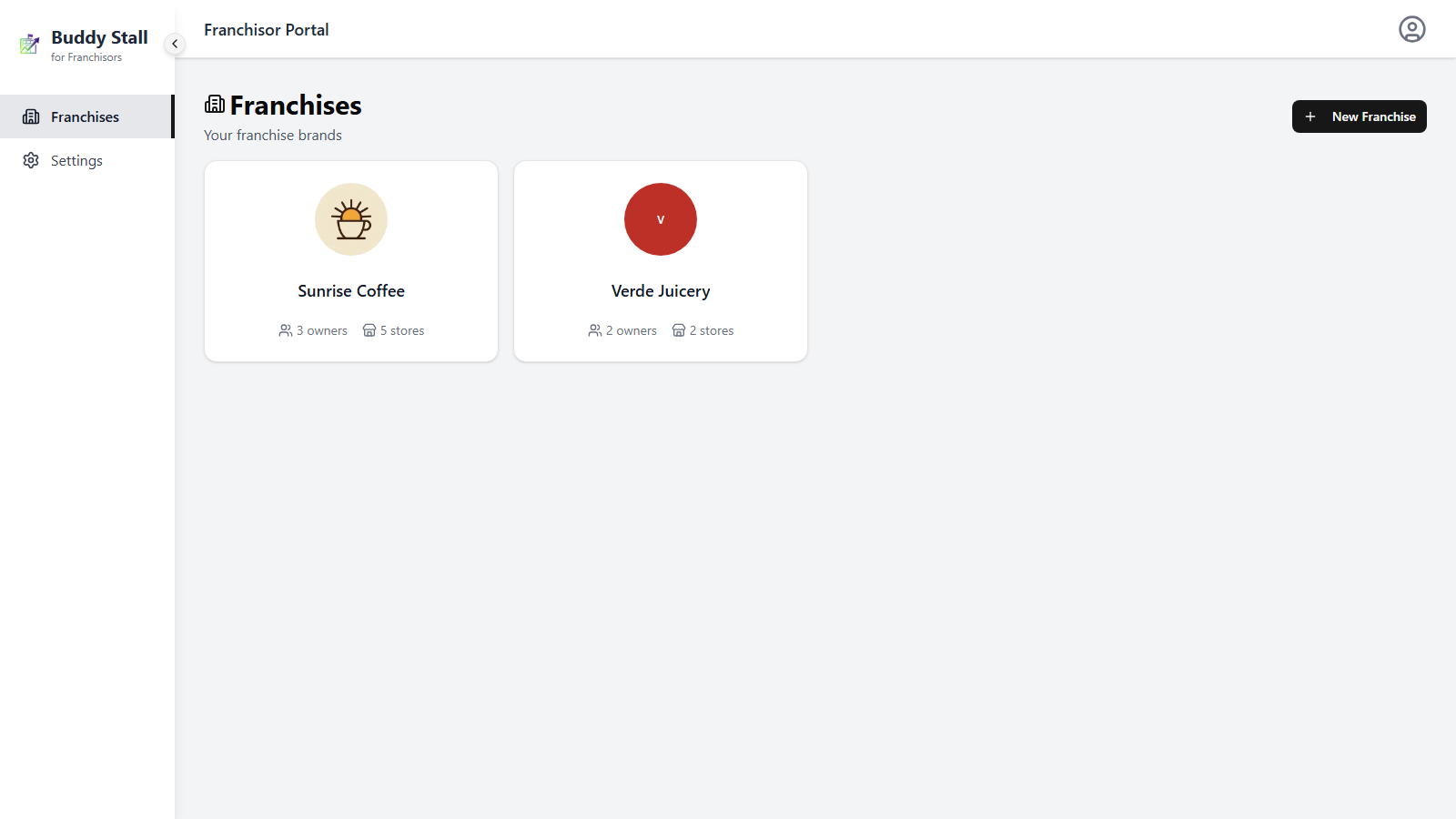
A franchise is a self-contained brand, with its own preset, stockhouse, orders, and stores. You create one from the franchises home: click New Franchise in the header to open the create dialog.
Name the brand
The dialog asks for one thing: the Name. It is the brand name your franchisees will see — on the BuddyStall signup page where they create their account, and across your console.
Click Create Franchise and the new brand appears on the franchises home, ready to open.
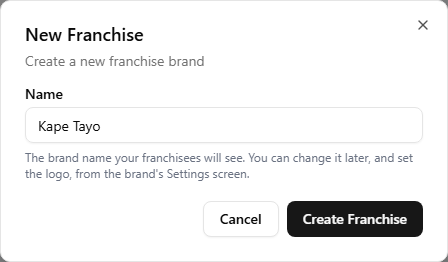
Everything else comes later, from the brand's Branding & settings screen: the logo, and the switch that makes the franchisee signup link live when you are ready to invite franchisees. You can rename the brand there too.
Each brand gets its own franchisee signup link — the URL a prospective franchisee opens to create their own BuddyStall account already connected to your brand. Signing up through it links their business to the franchise and loads your published preset into their stores.
The link is built from the name you enter here plus a short identifier, so there is nothing to invent or check — it is assembled when the brand is created and shown on the Settings screen, ready to copy.
It is also fixed from that moment. Renaming the brand later does not move the link, so anything you have already shared keeps working — see Invite franchisees.
New brands start with their signup link switched off, so nobody can sign up into the brand until you turn it on.
Next: open and set up the brand
Open the new franchise from the franchises home to land on its dashboard. From there, set its branding and settings and start publishing presets — the menu, inventory, and recipes every store will build on.