
Login & password
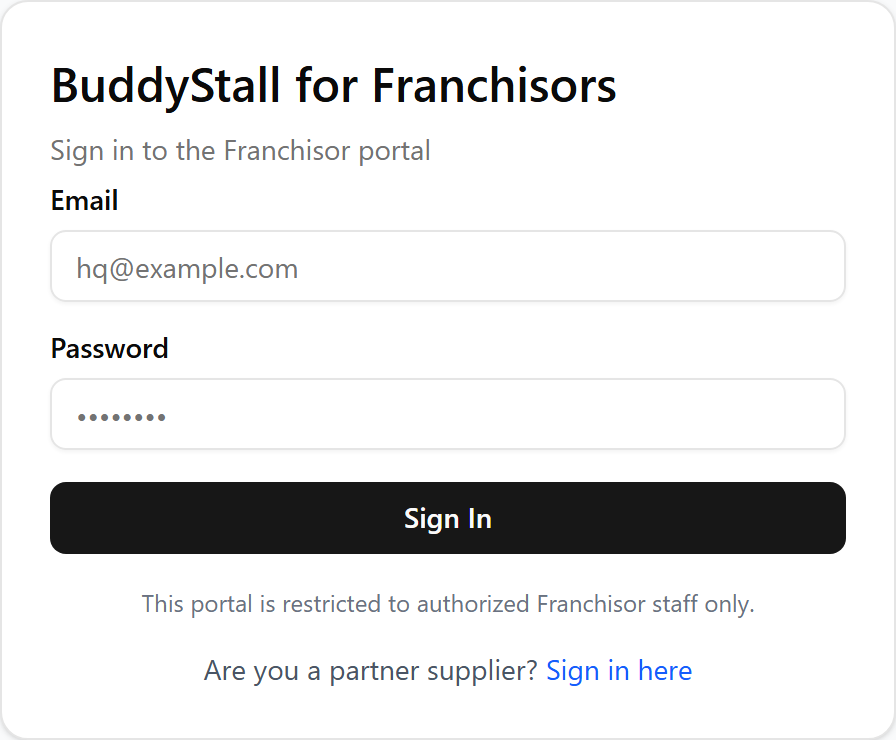
You sign in to BuddyStall for Franchisors from its own portal, separate from the store app your franchisees use.
Reach the sign-in screen
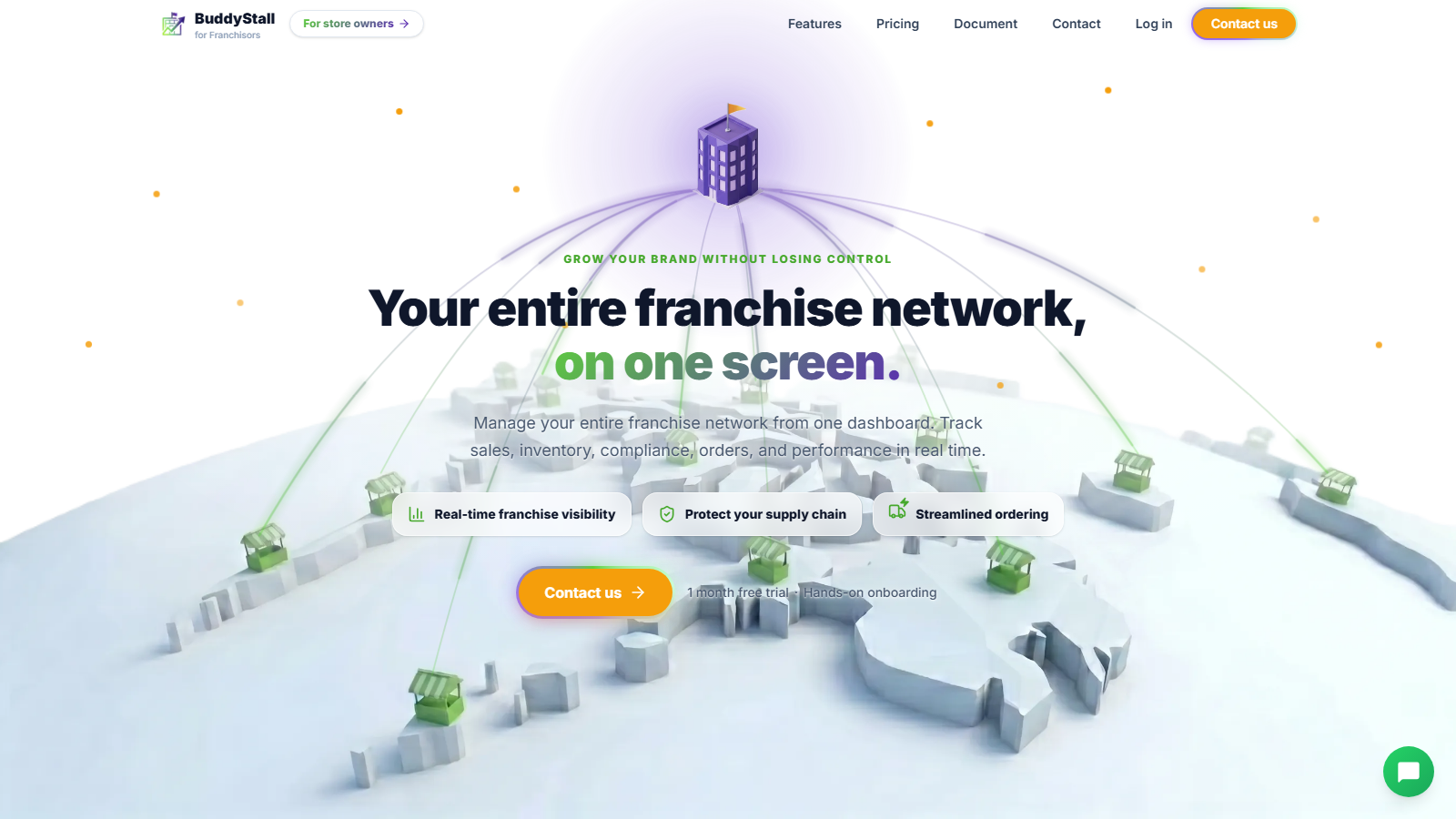
Franchisor accounts are set up with the BuddyStall team, so the landing page's main action is Contact us, not sign-up. Once your account exists, open the BuddyStall for Franchisors landing page and select Log in (in the header or footer) to reach the sign-in screen.
Sign in
Enter your email and password, then select Sign In. You land on a franchise dashboard — the one you last had open. If you have not created a franchise yet, you land on your franchises list instead.
The portal accepts Franchisor accounts only. A store account (owner, manager, or staff) is turned away with an "access denied" message.
Change your password
You change your password while signed in: open Account settings, open the Account tab, and use the Change Password card. It asks for your current password, then the new one (at least 8 characters) twice.
If you are locked out
The sign-in screen has no self-service "forgot password" link. If you cannot sign in, contact BuddyStall to have your account reset, then set a new password from Settings › Account.