Home: your franchises
The franchises home is the top level of the console — the screen you start from after signing in. It lists every franchise brand you run, and it is where you both open a franchise to work in it and create new ones.
Each franchise is a self-contained brand, with its own preset, stockhouse, orders, stores, and settings. Everything else in these docs happens inside a franchise you open from here.
Your franchises at a glance
Every franchise you manage appears as a card, showing its logo and name along with two counts: how many owners are linked to the brand and how many stores they run between them. The header carries a New Franchise button.
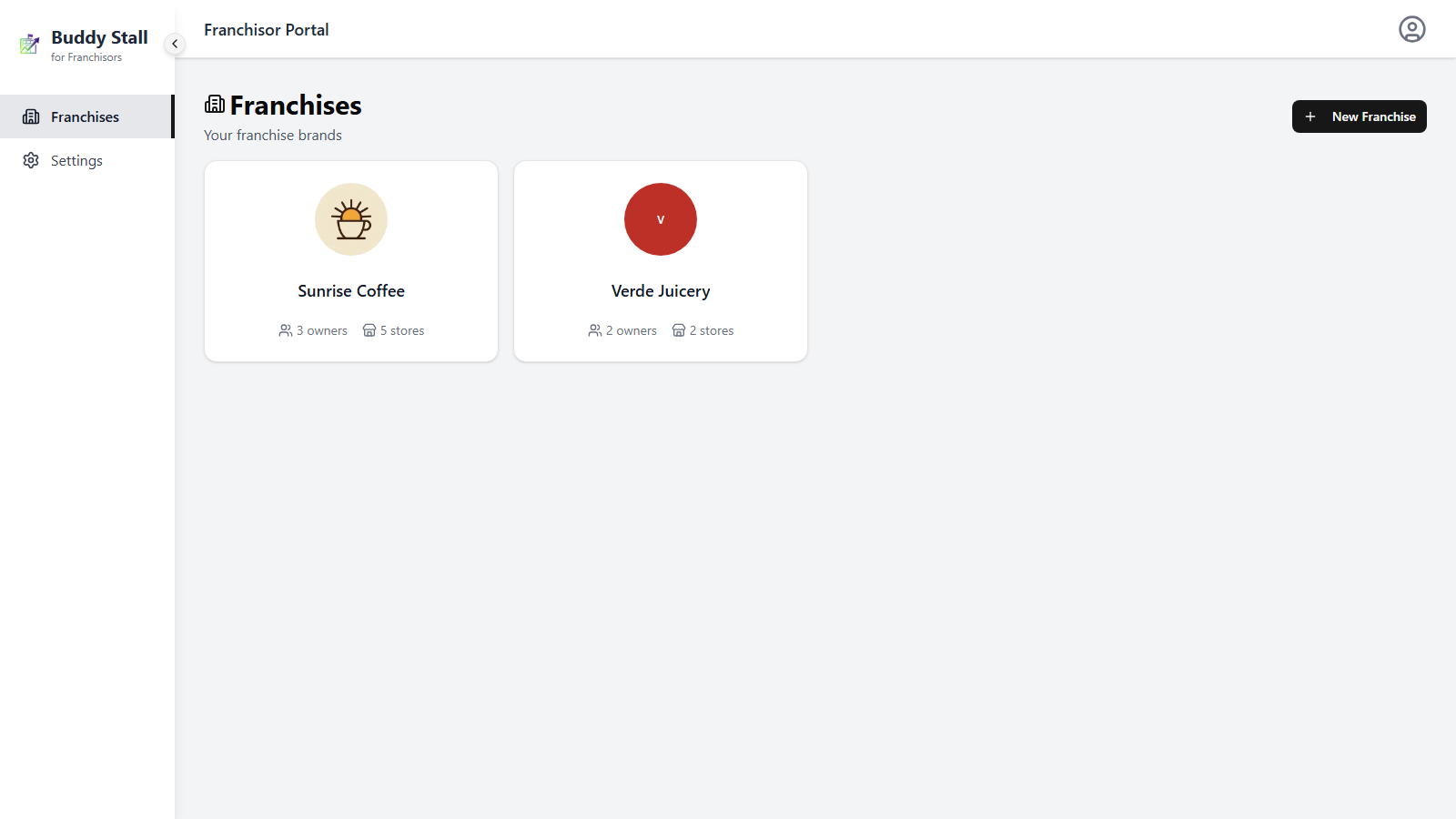
Click any card to open that franchise's workspace, landing on its dashboard. If you have not created a franchise yet, the page shows an empty state with a single New Franchise button to get you started. Either way, creating a brand has its own short walkthrough — see Add a franchise.
Open a franchise
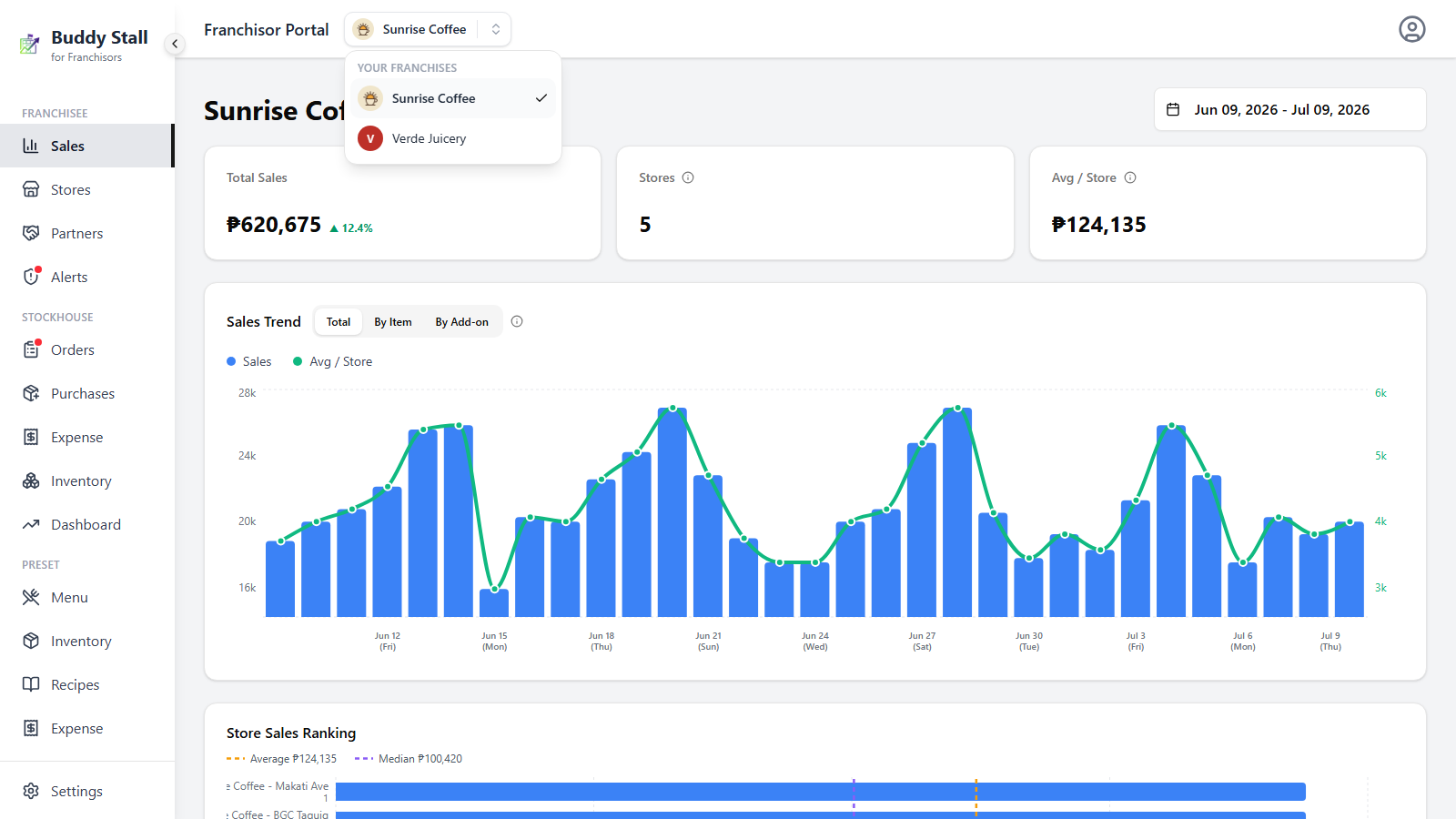
Clicking a card opens that franchise's workspace at its dashboard — from there the sidebar scopes every area (preset, stockhouse, orders, and so on) to that one brand. Once you are inside, you do not need to come back here to change brands: the header carries a franchise switcher that jumps you straight to another one, landing on the same screen you are viewing.